

Linking your Account
1
Click Connect Account
In the modal, click the Connect button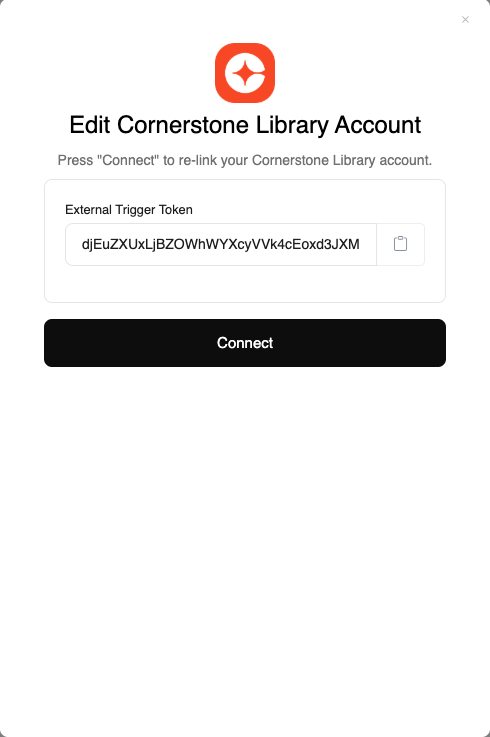
SSO Configuration
Proper SSO (Single Sign-On) configuration is essential for the Cornerstone (1:1 Connector) integration to work correctly. The configuration ensures that users are properly identified and matched between your platform and Cornerstone.Configuration Options
The SSO configuration should use the following approach:Custom Field Configuration
1
Set Custom Field
Configure a custom field called
lms_user_id and set it to the username or user id field value.2
Verify Custom Field
Ensure the
lms_user_id custom field is properly populated and accessible through the SSO configuration.Customer Responsibility
- Ensure the Username or User ID field is correctly populated in your user management system
- Verify that the SSO configuration matches the authentication method used by Cornerstone
- Test the SSO flow with a small group of users before full deployment
Congratulations, you’re all set! If you face any issues with the steps mentioned above, please contact us by emailing integrations@stackone.com. We’re always here to assist you!